A talking avatar is a digital presenter whose face is animated from a script or audio track. Convincing ones match lip-sync, eye line and micro-movement; uncanny ones freeze the body and stare through the lens.
What is a talking avatar?
> A talking avatar is a synthetic presenter on video: a human-looking face model driven by a script or an audio track, with lips, eyes and head animated to match the words.
Three parts sit behind every one of them:
- The voice — synthetic speech generated from text, or a human track you record and upload.
- The face model — a likeness trained on video or photos of a real person, or a licensed stock presenter supplied by the platform.
- The renderer — the engine that maps phonemes to mouth shapes, adds head and eye motion, and composites the result over a background.
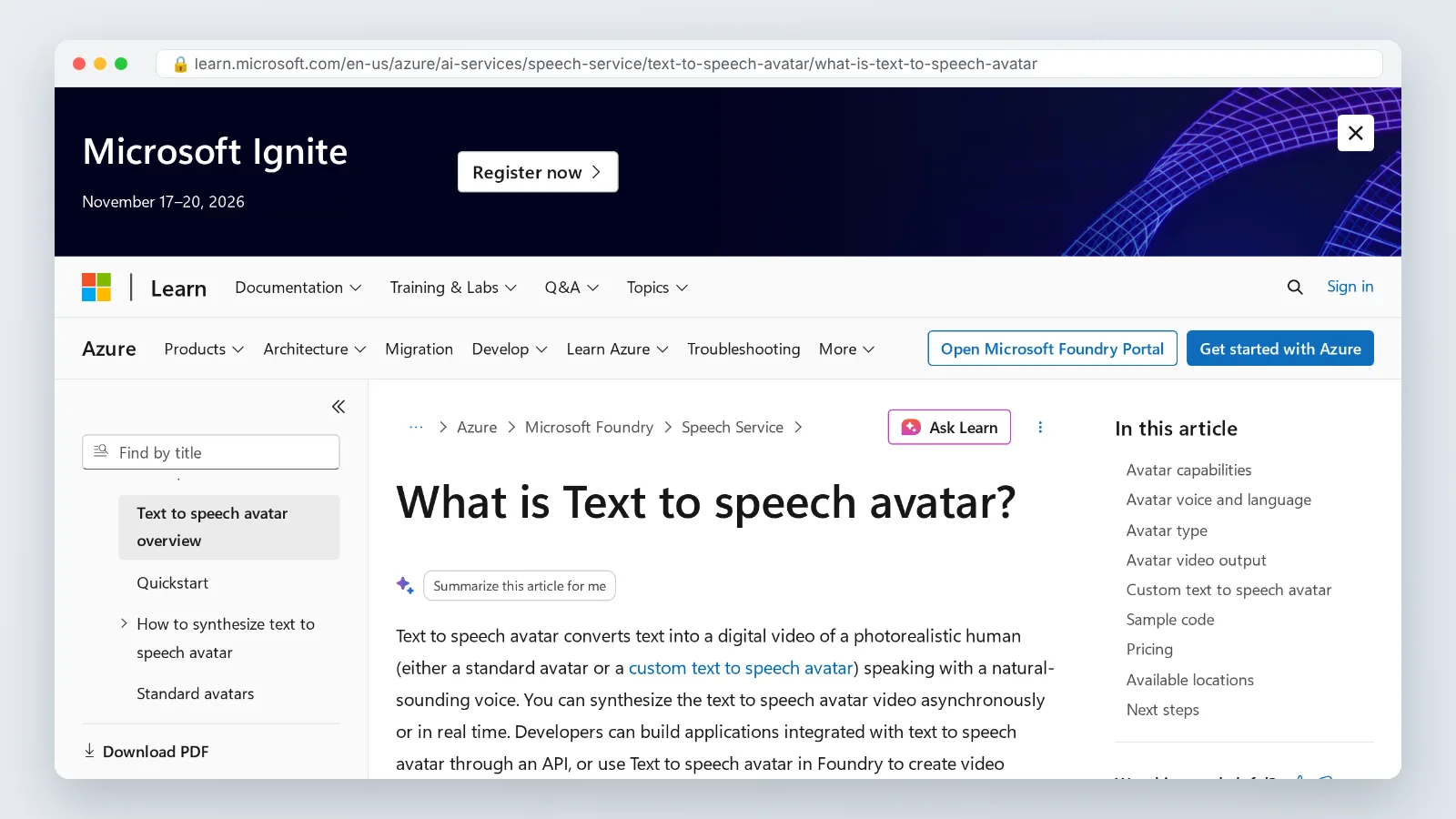
Output quality is a spec, not a vibe. Microsoft Learn documents that Azure text-to-speech avatars render by default at 1920 x 1080, with an optional 4K custom avatar and a frame rate of 25 fps. Numbers like those tell you whether a clip will hold up on a lobby display or fall apart on anything bigger than a phone.
Two delivery modes exist, and they behave differently. A batch render produces a finished MP4 you edit like any other footage. A real-time interactive avatar answers a visitor live, which means it speaks before anyone has reviewed the sentence it is about to say.
How a talking avatar is made: script and voice, face model, render
The pipeline runs in a fixed order, and skipping backward costs you a re-record.
- Script and voice. You write the copy, pick or clone a voice, then set pacing, pauses and emphasis.
- Face model. You record the talent, or select a stock presenter the vendor already licensed.
- Render. The engine aligns visemes to the audio, adds motion, and outputs video or a live stream.
Stage one decides more than people expect. Written-for-the-eye copy — long clauses, stacked prepositions, parenthetical asides — makes any voice engine sound mechanical, so read every line aloud and cut what your mouth stumbles over.
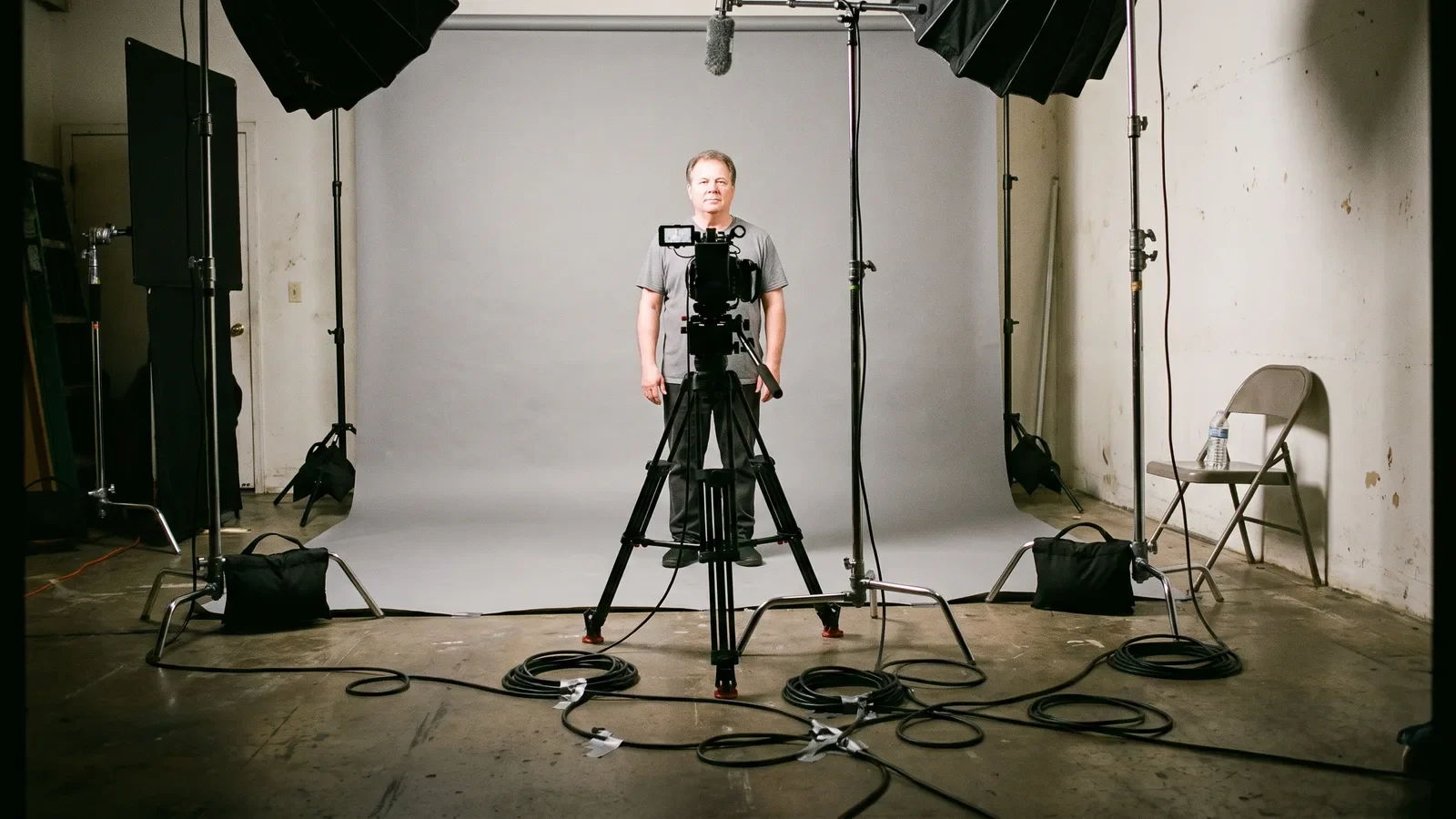
Stage two is where the footage requirement bites. Microsoft Learn’s disclosure for voice and avatar talent states that a proof-of-concept custom avatar model needs at least 10 minutes of video recording, and a production-ready model about 20 minutes. Plan a studio session with a neutral backdrop, even lighting, a locked-off camera and a presenter who keeps shoulders square to the lens.
Stage three is mostly waiting and reviewing. Watch the first render at full size with headphones, not scrubbed at 2x in a browser tab, because every artifact you will later be embarrassed by is visible in the first 15 seconds.
Talking avatar vs. deepfake: the line is consent and disclosure
The technology overlaps. The ethics do not.
| Talking avatar | Deepfake | |
|---|---|---|
| Whose face | The speaker’s own, or stock talent who signed for this use | Someone who never agreed |
| Source footage | Recorded for the purpose, in a studio | Scraped from public video or photos |
| Intent | Present information as a stated presenter | Pass as unaltered, authentic footage |
| Disclosure | Labeled on-screen or in metadata | Hidden by design |
| Reversibility | Consent should be contractually revocable, with the model retired on withdrawal | No control, no recourse |
Vendors enforce the consent step in the product, not just in the contract. Azure AI Speech documentation specifies that before a custom photo avatar is trained, the talent must upload a spoken consent video as an .mp4 or .mov file under 500 MB and between 3 seconds and 1 minute long. That artifact is the audit trail you will want if a client, a works council or a regulator asks who approved the likeness.
Treat consent as time-bound and scope-bound. "Yes to internal onboarding videos in 2026" is not "yes to a paid ad campaign in 2028," and your release form should say so in plain language.
What makes a talking avatar convincing: lip-sync, eye line, micro-movement
Viewers cannot name what is wrong, but they feel it within a few seconds. Four properties do most of the work:
- Lip-sync accuracy. Mouth shapes land on the consonant, not a beat late, and closures appear on every b, p and m.
- Eye line. The pupils aim at the lens, not past it, and the gaze shifts slightly between sentences instead of locking.
- Micro-movement. Small head tilts, shoulder settle, irregular blinks, a swallow — motion that no one scripted.
- Prosody with breath. Audible inhales before long sentences and real stress on the word that carries the meaning.
Framing helps as much as the model. A mid-shot from chest up hides the stiff lower body, while a full-body shot invites comparison to how humans actually stand and shift weight.
Background choice is a lever too. A softly defocused room with warm light forgives edge artifacts; a hard white cyclorama puts every jagged hair boundary on display. Match the color temperature of the avatar’s key light to the plate behind it, or the composite reads as a sticker.
The uncanny tells: six failures that break the illusion
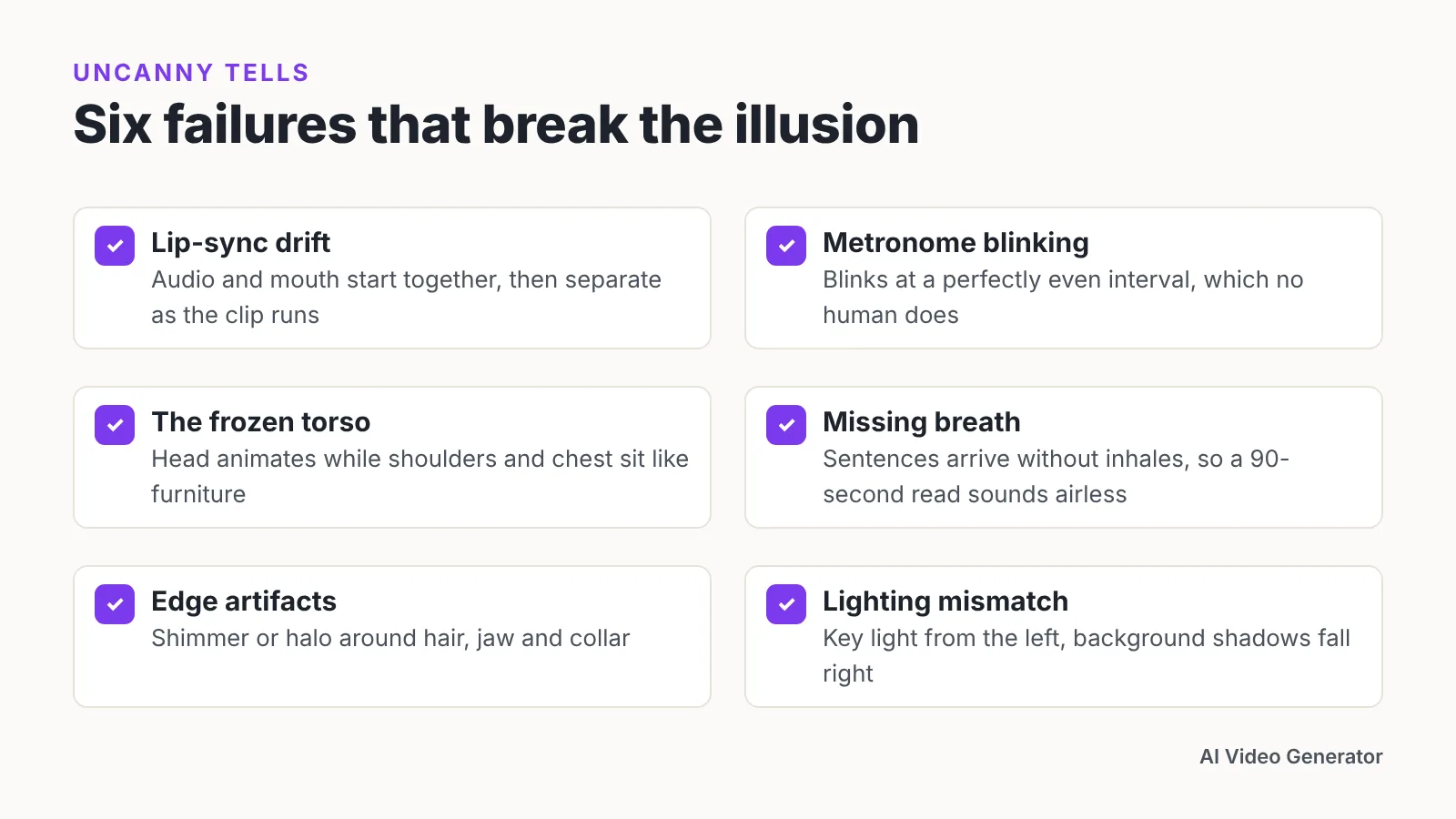
Six specific failures account for most of the discomfort viewers report:
- Lip-sync drift. Audio and mouth start together, then separate as the clip runs long.
- Metronome blinking. Blinks at a perfectly even interval, which no human does.
- The frozen torso. The head animates while shoulders and chest sit like furniture.
- Missing breath. Sentences arrive without inhales, so a 90-second read sounds airless.
- Edge artifacts. Shimmer or halo around hair, jaw and collar against the background.
- Lighting mismatch. Key light on the face comes from the left, the background shadows fall right.
Fix them in that order of impact, because viewers forgive a soft hairline long before they forgive bad sync. Shorter takes reduce drift, so break a four-minute script into four rendered segments and cut between them.
Write for breath as a repair, not a flourish. Insert a paragraph break every two or three sentences in the script, then let the engine pause there.
What it actually takes to build one: footage, specs and cost
Budget in three buckets: studio time, model training, and per-minute runtime.
Microsoft’s published rate for a standard real-time interactive text-to-speech avatar is $0.50 per minute, according to the Microsoft Tech Community pricing announcement. The same announcement states that a custom Azure avatar costs $15 per compute hour to train and $0.60 per minute to run in real time, on top of the standard avatar rate. Model those figures against your expected minutes before you commit to a custom likeness.
Stock presenters skip training entirely and suit most training and marketing work. A custom likeness is worth it when the face carries authority — a founder, a named instructor, a clinician your audience already recognizes.
If you want the script, voice, avatar and dubbing in one workspace rather than stitched from separate tools, AI Studios, DeepBrain AI’s avatar video platform, is one option; it combines avatar video creation, text-to-video, dubbing and text-to-speech, and offers more than 1,000 AI voices across its plans. The limitation to check first is language coverage by tier: text-to-speech voiceovers are available in 150+ languages and accents on paid plans, but in 30+ languages on the Free plan. For a one-off executive message where the audience knows the person’s real mannerisms, a phone camera and two minutes of honest delivery still beat any synthetic presenter.
Where talking avatars earn their keep: training, marketing and support
Three use cases justify the setup cost reliably.
Compliance and onboarding training. Policy text changes every quarter, and re-recording a human presenter each time is the bottleneck. Edit the script, re-render, keep the same face across 40 modules.
Localized marketing. One recorded presenter, many language versions, consistent brand delivery across markets. Translation and dubbing workflows let you reuse a single approved take instead of booking a separate shoot per market, which is what makes the economics work past three or four languages.
Front-line support and kiosks. Interactive avatars answer repetitive questions without a queue. Scope them tightly to a documented FAQ, log every exchange, and route anything outside that scope to a human before the avatar improvises an answer you would not have approved.
Where they underperform is anything emotional or unscripted: layoffs, apologies, crisis updates, customer testimonials. A synthetic face delivering bad news reads as evasion, and your audience will say so publicly.
Consent and disclosure: the rules before you publish
In the European Union, transparency is now a legal duty, not a courtesy. Bratby Law reports that the EU AI Act’s transparency duties sit in Article 50 of Regulation (EU) 2024/1689 and have applied since 2 August 2026. Article 50 is the text to read for exactly who it binds and how it treats synthetic audio, image and video content, including avatar video published to an EU audience.
Scope matters here. Academic analysis of the AI Act published on arXiv notes that its synthetic-content transparency duties bite regardless of whether the underlying system is high-risk or general-purpose, per recital 132.
Outside the EU the picture differs by jurisdiction — rules vary by state and country, so check local law, your own market and your platform’s policy, which may be stricter than the statute.
A workable baseline, whatever your jurisdiction:
- A visible on-screen label that the presenter is AI-generated, placed in the first few seconds.
- Signed, dated, scope-limited consent from the talent, with a withdrawal clause.
- Provenance metadata attached at export, so downstream platforms and reviewers can trace how the file was produced.
- An internal log of which script version each published render used.
This is general information, not legal advice — consult a qualified lawyer in your jurisdiction before publishing synthetic media at scale.
Frequently asked questions
How much source video do I need to build a custom talking avatar?
Microsoft Learn’s disclosure for voice and avatar talent states that a proof-of-concept custom avatar model needs at least 10 minutes of video recording, and a production-ready model about 20 minutes. Budget a half-day studio session with neutral lighting and a locked-off camera to capture it cleanly.
What resolution and frame rate should I expect from a talking avatar?
Azure AI Speech documentation says text-to-speech avatars render by default at 1920 x 1080, with an optional 4K custom avatar and a frame rate of 25 fps. Check your vendor’s figures before committing to large-format displays, since upscaling an avatar render exaggerates edge artifacts around hair and collar.
Is a talking avatar the same thing as a deepfake?
No. The dividing line is consent and disclosure, not technique. An avatar uses a face that agreed to the specific use and says so on screen; a deepfake uses someone’s likeness without permission and hides the manipulation to pass as authentic footage.
Do I legally have to disclose that a video presenter is AI-generated?
In the European Union, yes for synthetic content covered by the rules. Bratby Law reports that the EU AI Act’s transparency duties sit in Article 50 of Regulation (EU) 2024/1689 and have applied since 2 August 2026. Other jurisdictions vary by state and country, so check local law — this is general information, not legal advice.
What does it cost to run a talking avatar in real time?
The Microsoft Tech Community pricing announcement puts the standard real-time interactive text-to-speech avatar rate at $0.50 per minute, and states a custom Azure avatar costs $15 per compute hour to train plus $0.60 per minute in real time on top of the standard rate.
Sources
- What is Text to speech avatar? — Azure AI Speech documentation, Microsoft Learn
- Disclosure for voice and avatar talent — Microsoft Learn (Responsible AI)
- How to create a custom photo avatar — Azure AI Speech documentation, Microsoft Learn
- Azure AI Voice Live API: what’s new and the pricing announcement — Microsoft Tech Community
- AI Act Article 50 Explained: UK Chatbot and Deepfake Rules — Bratby Law
- What constitutes a Deep Fake? The blurry line between legitimate processing and manipulation under the EU AI Act (arXiv:2412.09961)
Written with AI assistance and fact-checked against the sources cited above before the AI Video Generator Editorial Team published it.