An AI spokesperson video wins when the script is final, the message ships in several languages, the content expires within weeks, and no one’s face is needed to carry trust. Live demos and crisis messages still need a person.
What an "AI spokesperson video" actually is — and what it is not
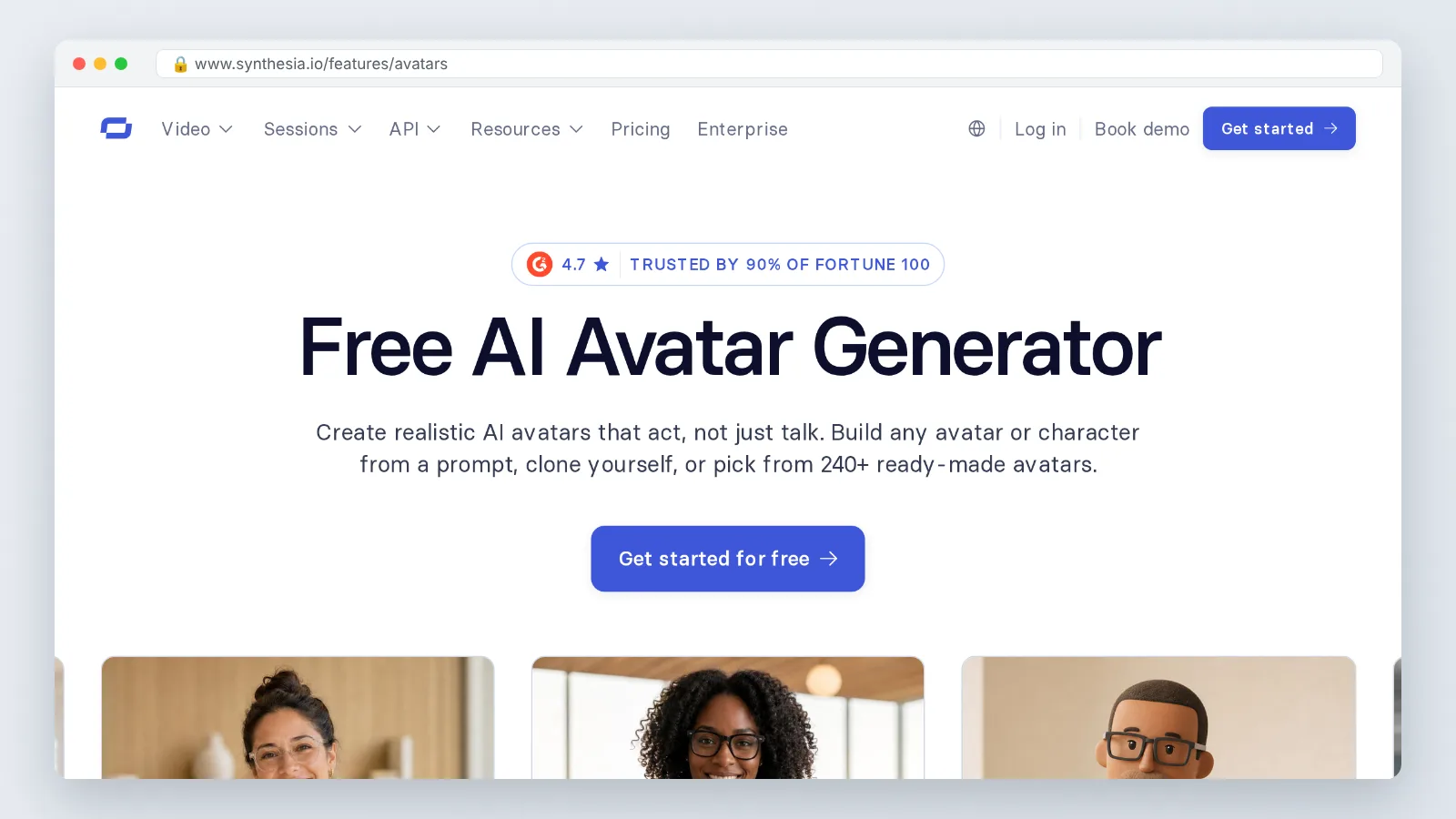
A spokesperson video is one person talking to camera about one subject: a release note, a policy change, a course module intro. The AI version keeps that format and removes the filming. You supply a script, and the platform renders a synthetic presenter who speaks it with lip-sync and a generated voice.
What it is:
- A scripted avatar delivering copy you wrote, reviewed and signed off.
- A stock avatar, a licensed actor’s likeness, or a clone of a consenting person’s face and voice.
- A render you can re-run whenever a price, date or feature name changes.
What it is not:
- A likeness of anyone who has not given written consent.
- An improviser — it says exactly what the script says, including the typos.
- A substitute for footage that must show real hands, real hardware or a real room.
The practical consequence matters more than the definition. Editing becomes rewriting instead of re-shooting, so a wrong number costs you one render rather than one studio day. Everything that depends on physical reality — a warehouse walkthrough, a surgeon’s technique, a chef’s knife grip — still needs a camera.
The decision test: 7 conditions under which an AI spokesperson beats filming a real presenter
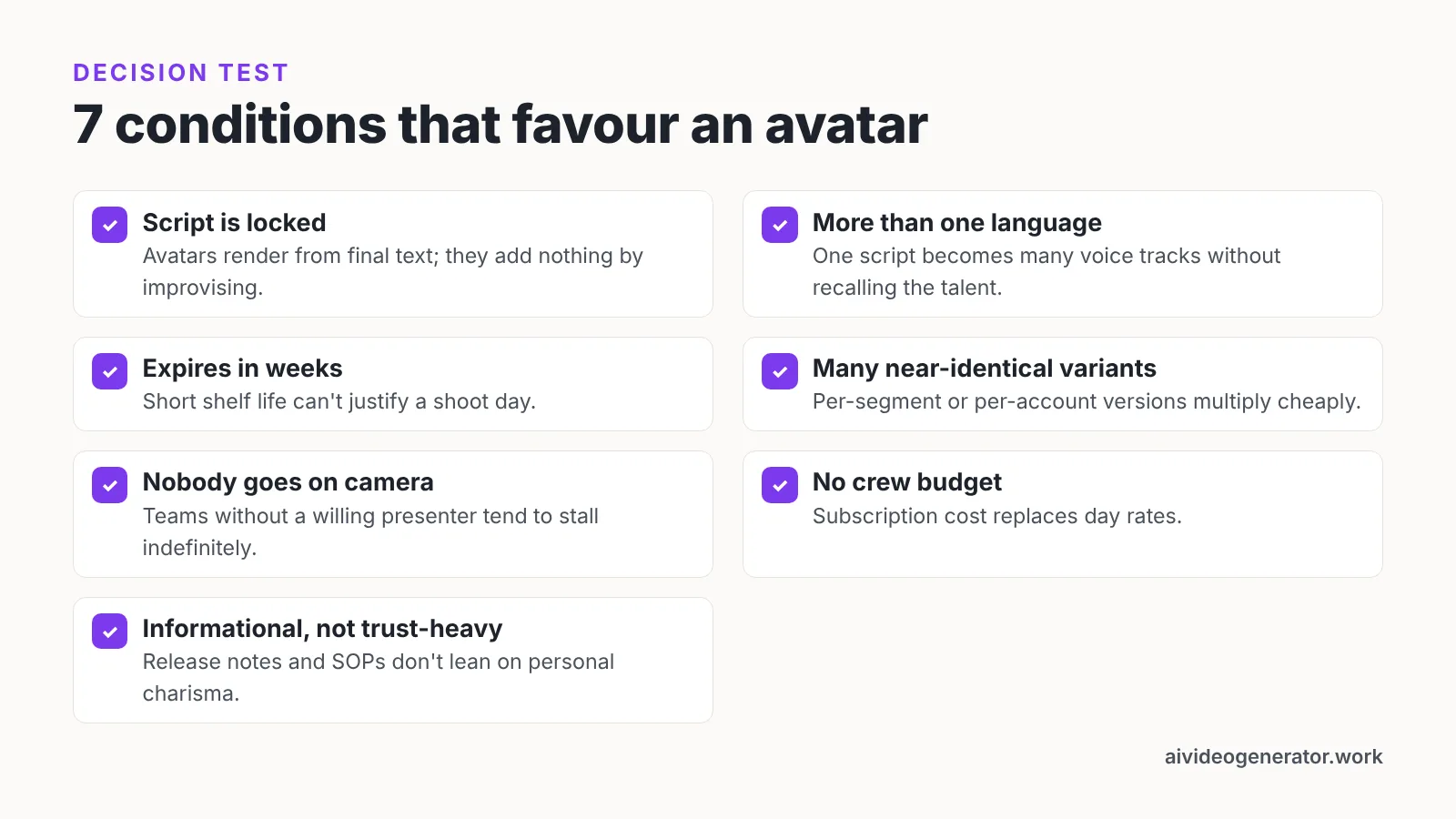
Run your brief against these seven conditions. Three or more means an avatar is the cheaper, faster call. Fewer than three means book the crew.
| # | Condition | Why it tips the decision |
|---|---|---|
| 1 | The script is locked before production starts | Avatars render from final text; they add nothing by improvising |
| 2 | The same message ships in more than one language | One script becomes many voice tracks without recalling the talent |
| 3 | The content expires in weeks, not years | Short shelf life can’t justify a shoot day |
| 4 | You need many near-identical variants | Per-segment or per-account versions multiply cheaply |
| 5 | Nobody on the team will go on camera | Teams without a willing on-camera presenter tend to stall indefinitely |
| 6 | There is no budget line for crew, studio or edit | Subscription cost replaces day rates |
| 7 | The message is informational, not trust-heavy persuasion | Release notes and SOPs don’t lean on personal charisma |
Test the format before you commit a budget. HeyGen’s free tier is capped at 3 videos per month of up to 1 minute each, with access to 500+ stock video avatars, according to HeyGen’s pricing page — enough to put a real script in front of your own stakeholders.
One caution on condition 7: if your legal team would want a named human to say the words on camera, that is a signal, not a preference.
Scenario: a 14-person SaaS team ships a 90-second product-update video in five languages
Picture a 14-person workflow-automation company with no in-house video person. Every six weeks they release features their customers in Germany, Japan, Spain and Brazil never hear about, because the changelog email gets ignored. The product marketing manager has a 90-second script, a deadline on Friday, and no budget for a shoot.
The avatar route turns that script into the unit of work. She writes 90 seconds of copy — roughly 220 words at a calm pace, using the planning rule of thumb described below — gets the product lead to approve the feature names, then renders an English master before lunch. The same script goes out for translation, and four more renders follow with the same avatar and matching voices.
Language coverage is the deciding factor here, and it is worth checking against published limits. HeyGen’s Creator plan costs $29 per month, or $24 per month billed annually, and covers videos up to 30 minutes at 1080p in 175+ languages with one voice clone and watermark removal, according to HeyGen’s FAQ.
The output is five 90-second videos: one for the in-app release banner, four for regional customer-success emails. None of them required a camera, a studio booking or a presenter’s calendar.
Before and after: the three-week shoot workflow vs. the two-hour script-to-render workflow
Here is the same 90-second update planned both ways. Treat the timings as a planning estimate for a small team, not a benchmark.
| Stage | Filmed version | AI spokesperson version |
|---|---|---|
| Script approval | Week 1 | Hour 1 |
| Talent and studio booking | Week 1–2, calendar-dependent | None |
| Shoot day | Half a day, plus travel | None |
| Edit, color, captions | Week 3 | Minutes, inside the editor |
| Four extra languages | Re-shoot or subtitle-only | Four extra renders |
| Fixing a wrong feature name | Re-shoot or awkward cut | Edit one line, re-render |
| Calendar total | About three weeks | About two hours |
The reason for the gap is not rendering speed. It is that the filmed version has four waiting states — talent availability, studio availability, editor availability, review rounds on a timeline nobody can re-cut cheaply. The avatar version has one bottleneck, which is script approval, and that bottleneck exists in both.
The quality trade is real. The filmed version carries a human face your customers may already know, and the avatar version does not.
Reproducible procedure: build your first AI spokesperson video in 9 steps
Follow these nine steps in order. The sequence matters because every step after step 1 is expensive to redo if the script moves.
- Lock the script. As an editorial rule of thumb for planning — not a sourced figure — budget about 150 words per minute of finished video, and read it out loud once before you paste it.
- Choose the presenter. Stock avatar for speed; a cloned likeness of a consenting colleague if the audience should recognize the face.
- Pick or clone the voice. AI Studios offers more than 1,000 AI voices across its plans and supports voice cloning from a short voice recording, per its pricing page.
- Build the scenes. If your source is a deck or a PDF, import it rather than retyping it slide by slide; rebuilding a finished deck by hand is where most first projects lose an afternoon.
- Fix pronunciation. Product names, acronyms and surnames almost always need a phonetic override.
- Set pacing and pauses. Insert a break before each new claim so the viewer can absorb the number.
- Add captions and a brand frame. Many viewers watch muted, especially in social feeds, so caption everything and keep key text on screen.
- Render a preview and QA it. Check lip-sync at the joins, on-screen figures against the script, and the AI disclosure line.
- Localize, then publish. Re-render per language, then re-run step 8 for each one — a translation can stretch a 90-second cut past your placement limit.
If your inputs are already written, a platform that generates from a script, topic prompt, web URL, uploaded document or product page saves the retyping step; AI Studios, DeepBrain AI’s cloud platform for avatar video and translation, works that way, and it can import PPT or PDF files and turn each slide into a video scene, with its Docs to Video feature accepting .ppt, .pptx, .pdf, .doc, .docx, .xlsx and .txt files up to 20 MB. One limitation to plan around: its text-to-speech covers 150+ languages and accents on paid plans but 30+ languages on the Free plan, so test your target language before you build the whole series.
What it really costs at volume: credit math, plan caps and the per-minute break-even vs. hiring a presenter
Minutes, not videos, are the unit you budget. Published allowances give you the shape of the math.
- Synthesia’s free Basic plan includes 10 minutes of video creation or dubbing, 3 survey responses and 500 credits every month, renewing monthly, according to Synthesia’s pricing page.
- On Synthesia’s Starter plan the 1,250 monthly credits are worth roughly 12 extra minutes of typical video, giving about 22 minutes a month once the free allowance is included, per the same pricing page.
- HeyGen’s Creator plan provides 600 credits per month for $29 per month, according to HeyGen’s help center.
- HeyGen’s Business plan includes 1,500 credits per month for $149 per month for the first seat, with extra seats at $20 per seat per month, per HeyGen’s help center.
- HeyGen’s Pro plan is sold in credit tiers that run from 1,000 credits per month at $49 up to 100,000 credits per month at $4,300, according to HeyGen’s Middle East pricing page.
To find your break-even, ask one production company for a day rate covering talent, crew and edit, then divide it by the finished minutes that day would realistically produce. Compare that per-minute figure with a monthly plan divided by its monthly minute allowance. Teams publishing one video a quarter rarely clear the bar; teams publishing weekly release notes in four languages clear it in the first month.
For automated pipelines, start small rather than on a seat plan — HeyGen’s video-generation API can be started with $5 on a pay-as-you-go basis with no monthly commitment, according to HeyGen’s FAQ. Separate budget lines can also apply: AI Studios prices interactive live avatars apart from regular video, with a Free tier of 2 credits and a Standard tier at $99 per month with 100 credits, billed at 1 credit per 5 minutes.
Where a real presenter still wins: trust-heavy messages, unscripted nuance and complex demos
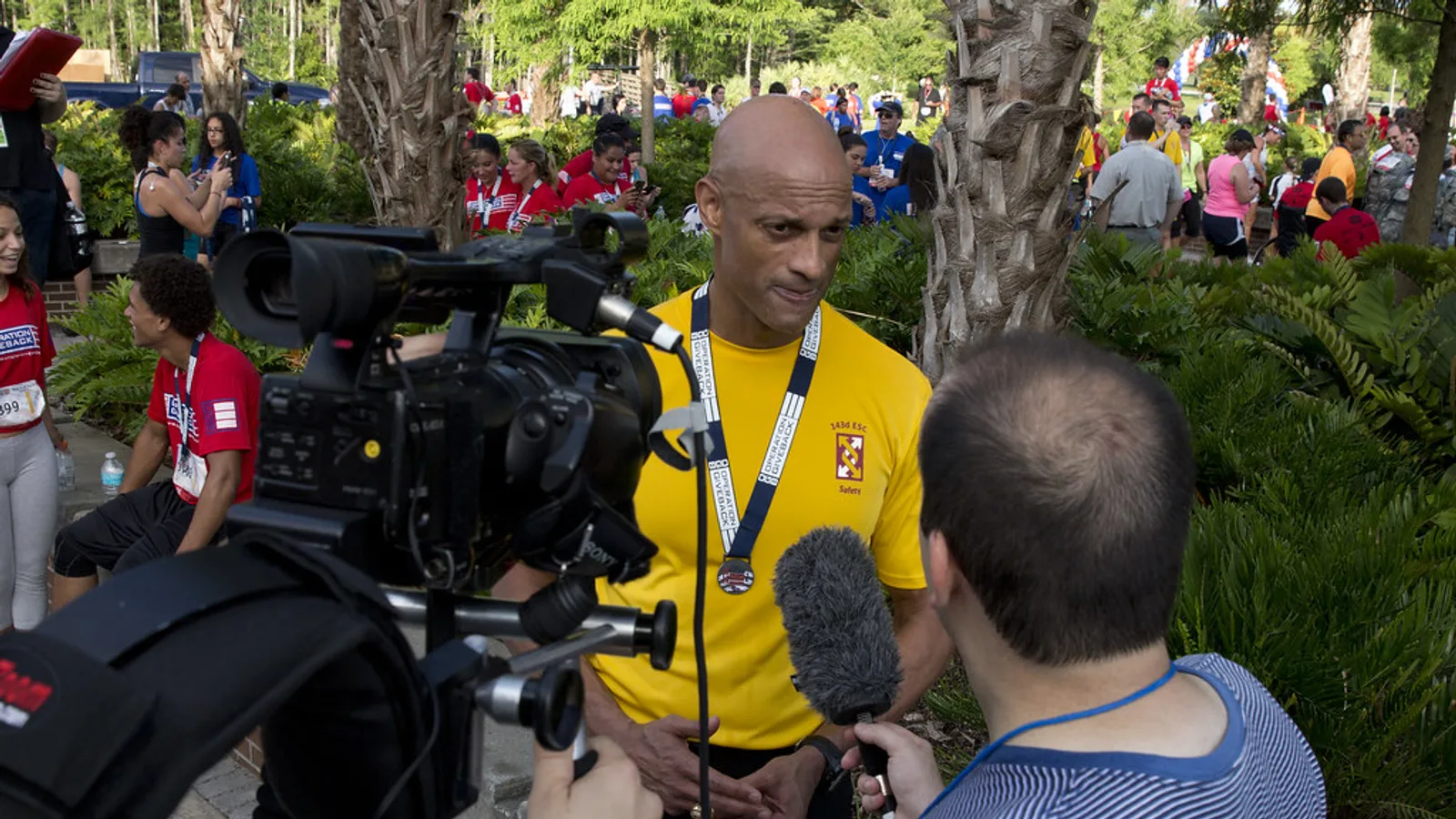
Some messages carry a signature, and a synthetic face weakens it. A pricing increase, a security incident, a layoff announcement, a founder’s apology — your audience is judging the speaker as much as the words. Put a named human on camera.
Unscripted nuance is the second category. Customer interviews, panel clips, a sales engineer reacting to a hard question, a teacher responding to confusion in the room — all of it lives in timing and hesitation that a text-to-video render cannot invent, because there is no text for it.
Complex demos are the third. If the viewer needs to see a cursor path, a physical assembly, a device in someone’s hands or a defect under good lighting, film it or screen-record it. An avatar can narrate that footage, which is often the best split: real screen capture, synthetic voice and presenter.
A fourth case is regulated claims. Where a person must be identifiable as the one making a statement — financial promotions, clinical information, legal notices — check the rule before you choose the format. Rules differ by jurisdiction, and the safe default is a real, named human.
Disclosure, consent and compliance checklist to run before you publish
Run every item before the video leaves your drafts folder.
- Consent in writing. For any cloned face or voice, hold a signed release naming the person, the use, the territory and the end date.
- Likeness scope. Confirm your stock avatar’s license covers paid advertising if that is where the video is going.
- Visible disclosure. State that the presenter is AI-generated, in the video or in the description, in the viewer’s language.
- Provenance. Prefer vendors with documented security and content-provenance commitments; AI Studios lists ISO 27001 certification, SOC 2 Type II compliance and GDPR compliance, and is a member of the Content Authenticity Initiative.
- Accuracy pass. Re-check every number, date and feature name against source before each language render.
- Offboarding plan. Decide who deletes the clone and revokes access when the employee leaves.
Jurisdiction drives the detail. In the European Union, the AI Act’s transparency obligations for providers and deployers of certain generative and interactive AI systems and deepfakes, set out in Article 50, have applied since 2 August 2026, according to the European Commission’s guidelines on transparency obligations. Requirements elsewhere differ by country and by platform policy, so check both your market’s rules and the ad platform’s synthetic-media policy.
This is general information, not legal advice; confirm your obligations with qualified counsel in your jurisdiction.
Frequently asked questions
When is an AI spokesperson video the wrong choice?
Choose a real presenter for trust-heavy messages — security incidents, price increases, apologies — plus unscripted interviews and demos that must show hands, hardware or a cursor path. Avatars read a locked script and cannot react to anything off it.
How much does an AI spokesperson video cost per month?
It depends on minutes, not videos. HeyGen’s Creator plan provides 600 credits per month for $29 per month, and HeyGen’s Business plan includes 1,500 credits per month for $149 per month for the first seat with extra seats at $20 per seat per month, according to HeyGen’s help center.
Can I test an AI spokesperson video for free before buying?
Yes. Synthesia’s free Basic plan includes 10 minutes of video creation or dubbing, 3 survey responses and 500 credits every month, renewing monthly, and HeyGen’s free tier is capped at 3 videos per month of up to 1 minute each with access to 500+ stock video avatars.
Do I have to disclose that the presenter is AI-generated?
In the European Union, the AI Act’s transparency obligations for providers and deployers of certain generative and interactive AI systems and deepfakes, set out in Article 50, have applied since 2 August 2026, per the European Commission. Rules differ elsewhere, so check local law and platform policy; this is general information, not legal advice.
How long should the script for a 90-second spokesperson video be?
As an editorial rule of thumb for planning rather than a sourced standard, allow roughly 150 words per finished minute, so about 220 words for 90 seconds, then read it aloud once to catch clauses the voice engine will rush. Translations often run longer, so leave headroom before you lock a placement length.
Sources
- Synthesia Pricing – Compare Free and Paid Plans
- HeyGen Credit-Based Pricing Plans & Subscriptions Explained (HeyGen Help Center)
- HeyGen FAQs – AI Video, Avatars, Pricing & API
- Pricing Plans for Creators and Marketers (HeyGen)
- Pricing plans for creators and marketers in the Middle East (HeyGen)
- Guidelines on transparency obligations for providers and deployers of certain AI systems — European Commission
Written with AI assistance and fact-checked against the sources cited above before the AI Video Generator Editorial Team published it.