Making a 2D explainer video takes five steps: define one job for the video, write and time an animatable script, storyboard and lock a style, record voiceover then animate scene by scene, and mix, caption and export.
What a 2D explainer video is — and when it beats live action
A 2D explainer video is a short animated piece, usually 60 to 120 seconds, built from flat vector art, simple character rigs and type that moves on a single plane. No camera. No cast. The script carries the logic, and the animation holds attention while the logic lands.
Explainer videos are the most common video use case among video marketers at 73%, ahead of social media videos at 69%, according to Wyzowl survey data published by Goldcast.
Live action still wins in plenty of cases. Use this table as the decision:
| What you need to show | Better in 2D | Better in live action |
|---|---|---|
| An invisible process (data flow, claims handling, supply chain) | Yes | |
| A physical product in someone’s hands | Yes | |
| Abstract comparisons, before-and-after, moving numbers | Yes | |
| Founder credibility or a customer speaking | Yes | |
| Content you expect to update every quarter | Yes | |
| Texture, location, food, raw human emotion | Yes |
Edit economics are the quiet reason teams keep choosing 2D. You reopen a project file, swap a price or a scene, re-render, and ship the same day. Reshooting live action means booking people, a location and a camera all over again.
Step 1 — Define the single job your explainer video must do
Time: 45 to 90 minutes. You need: one page, the three objections your sales team hears most, and a decision-maker in the room who can say no.
One video, one job. Write that job as a single sentence in this shape: "After watching, a [role] at a [company type] will [do one action] because they finally understand [one idea]." If you cannot finish that sentence, you are not ready to write a script.
93% of marketers who use video say it has improved how well their users understand what the business offers, per Wyzowl’s survey data cited by Siege Media — comprehension is exactly what 2D animation is built to deliver.
Pin down four things before any writing starts:
- Audience: one role, named. An operations manager at a 40-person logistics firm, not "businesses."
- Single action: book a demo, activate a trial, complete onboarding step three.
- One idea: the mechanism they currently misunderstand.
- Placement: homepage hero, paid social, sales email, trade show loop. Each one changes length and captioning.
Kill the second job early. A video that explains the product and pitches the company and recruits engineers explains nothing. Park the extras in a backlog for the next video.
Step 2 — Write and time a script you can actually animate
Time: two to four hours for a first draft, plus a day of distance before you edit. You need: a two-column document, a phone timer, and someone willing to read it aloud badly.
Write in two columns from the start: narration on the left, on-screen action on the right. Any line you cannot fill in on the right is a line that will cost you money in revisions later. If the sentence is "we streamline your workflow," the right column stays blank, which tells you the sentence is junk.
Time it by reading aloud, not by counting characters. As a working rule, about 150 spoken words fills a minute at a pace people can follow, so keep a 90-second script near 220 words and cut hard from there.
A structure that consistently holds up across five beats:
- The stuck moment — the reader’s Tuesday morning, in concrete detail.
- Why the usual fix fails — one sentence, no villain speech.
- How your thing works — three steps, no more.
- Proof — a named customer type, a result, a number you can actually source.
- One call to action — the same action you defined in Step 1.
Read the draft to someone outside the company. Mark every spot where their eyes drift, then delete those lines rather than rewriting them.
Step 3 — Storyboard the scenes and lock a visual style
Time: roughly half a day for 12 to 18 frames. You need: your locked script, a frame template, color swatches, and a tool trial account.
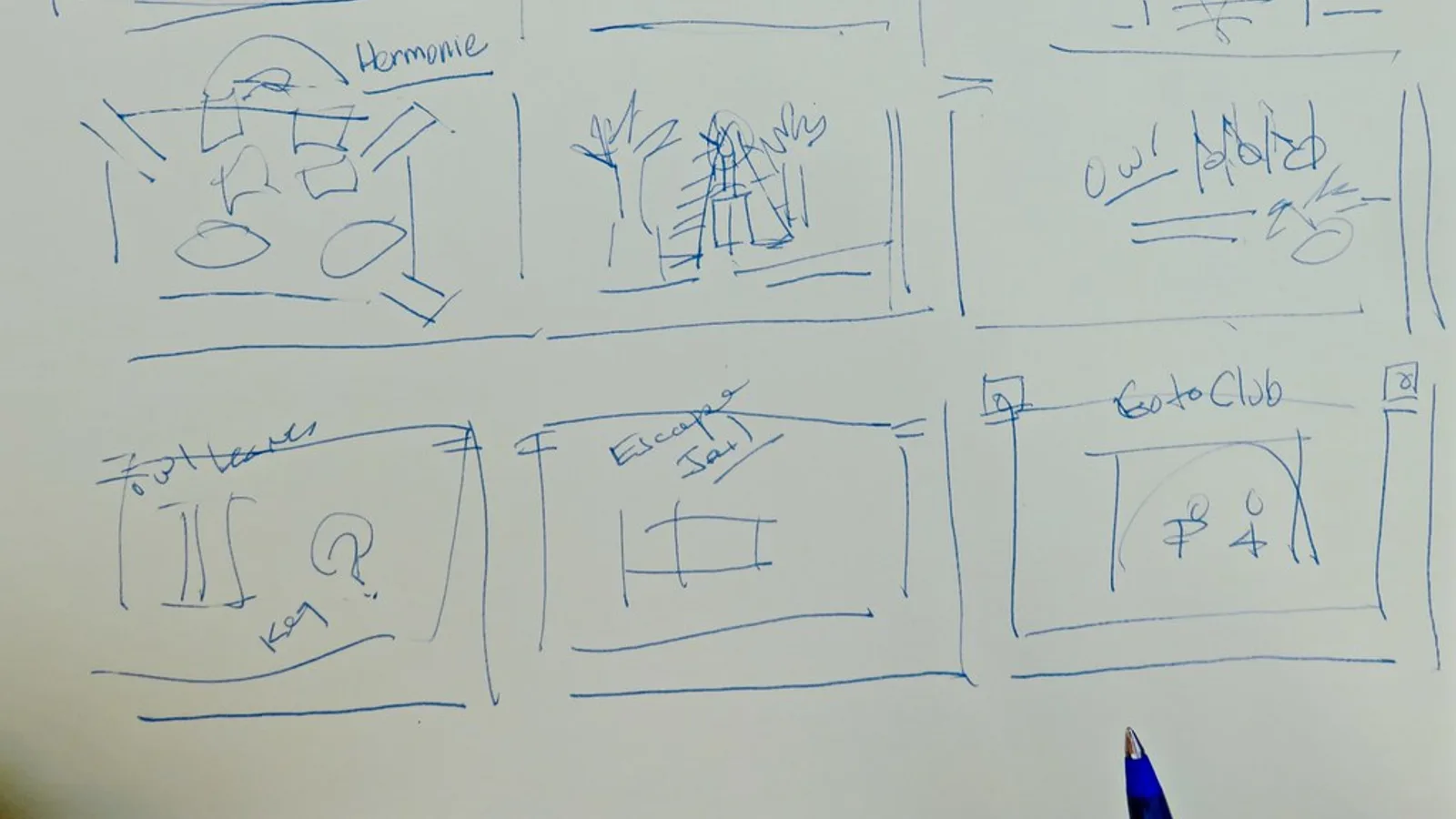
Storyboarding is where you discover that four of your sentences describe the same picture. Sketch one frame per narration beat, as rough as you like, and write the matching VO line underneath. Stick figures are fine; the point is composition and transition, not draftsmanship.
Animaker offers five paid plans starting at $20 per user per month alongside a free plan, according to Capterra’s pricing listing — run a template-based tool through a real storyboard before you commit to a subscription.
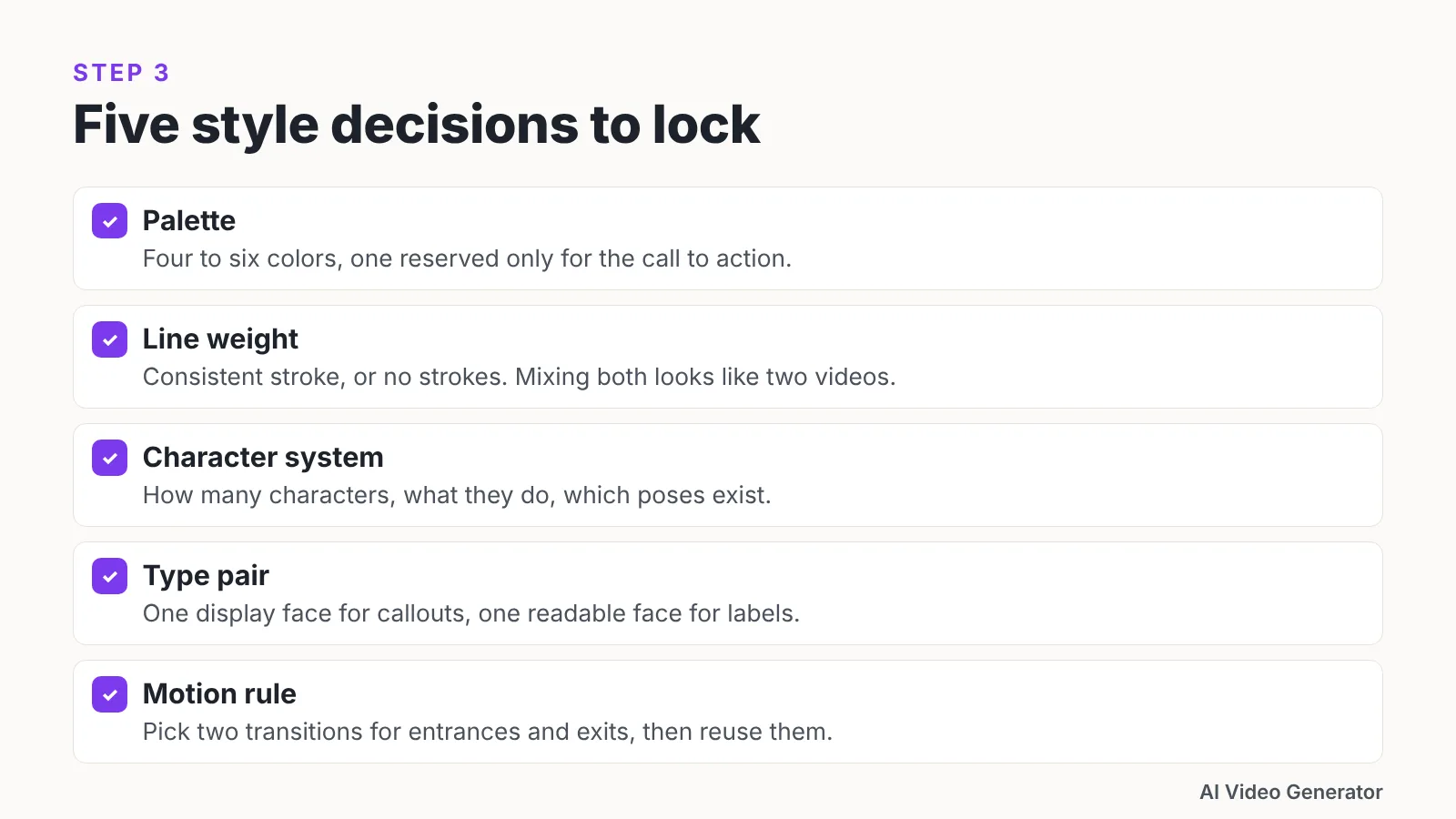
Lock these five style decisions and write them down where the animator can see them:
- Palette: four to six colors, one of them reserved only for the call to action.
- Line weight: consistent stroke, or no strokes at all. Mixing both looks like two videos.
- Character system: how many characters, what they can do, which poses exist.
- Type pair: one display face for callouts, one readable face for labels.
- Motion rule: how things enter and exit. Pick two transitions and reuse them.
Share the storyboard as a slideshow timed to a rough read of the script. Stakeholders approve pictures far faster than they approve paragraphs, and approval here prevents expensive opinions in Step 4.
Step 4 — Record the voiceover, then animate scene by scene
Time: one to two hours for voiceover, one to two days of animation for 90 seconds. You need: a USB or dynamic microphone, headphones, a soft room, and your approved storyboard.
Record the narration first. Animation timing is cut to the voice, and animating to a placeholder read guarantees you redo every keyframe when the real track arrives. Record in a closet with hanging clothes if you have no booth; soft surfaces beat expensive gear in a bare room.
Do three takes of the whole script, then pickups on fumbled lines. Leave two seconds of silence at the top so your editor has a noise profile.
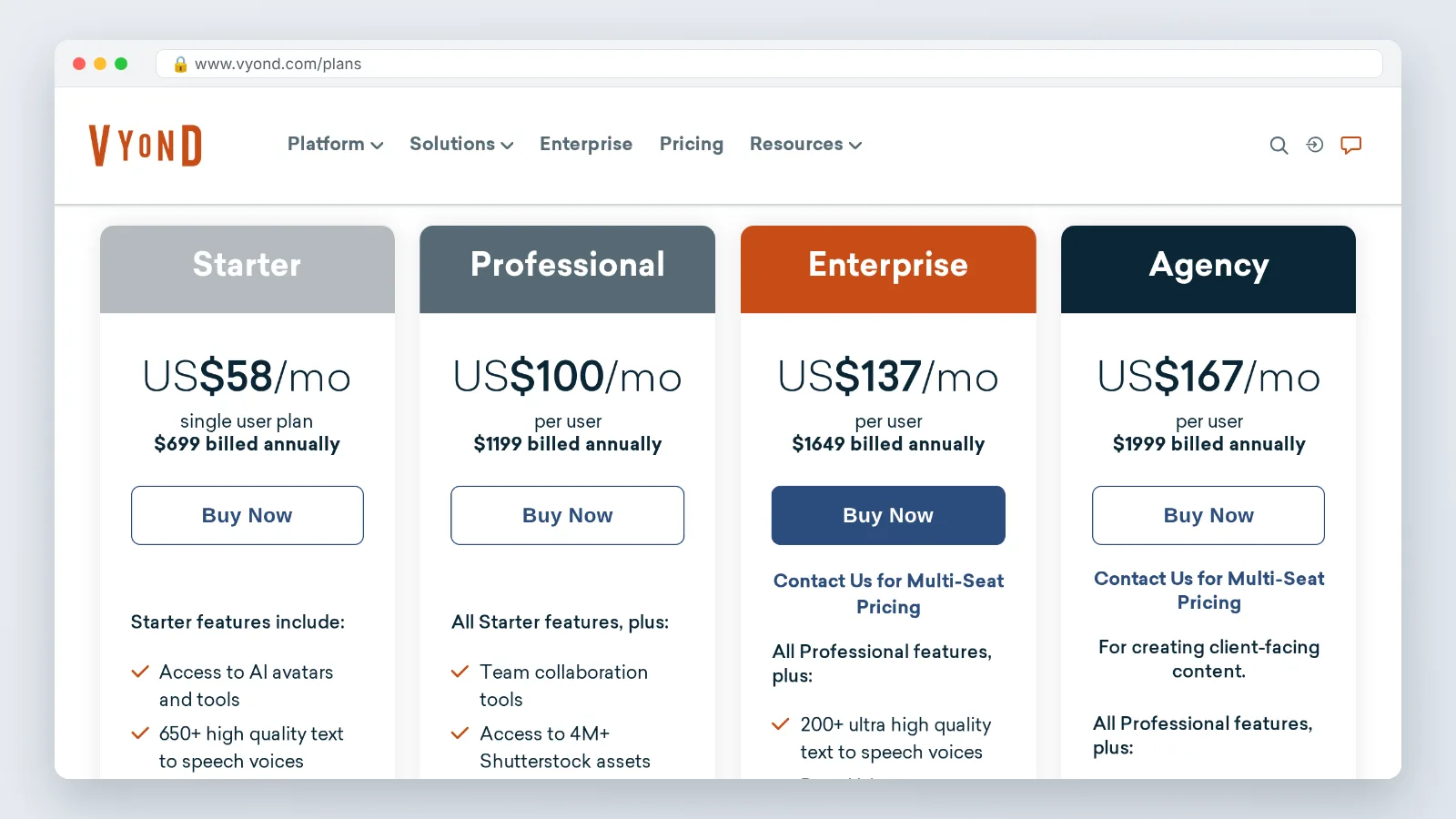
Vyond’s Starter plan costs $99 a month or $699 billed annually and includes 10,000 credits per user per month, according to Vyond’s FAQs.
Vyond withdrew its cheapest Essential plan from new customers as of May 7, 2025, per the Vyond Help Center, so confirm current tiers before you build a budget around an older quote.
Animate in two passes. The blocking pass places every asset on the timeline against the voice with no easing and no polish, so you can watch the whole thing and catch pacing problems. The polish pass adds easing, secondary motion, and the one or two moments of delight that people remember.
Step 5 — Mix sound, add captions and export per channel
Time: two to three hours. You need: your final animation render, the voiceover stems, a licensed music bed, and a caption file.
Mix the voice first and build everything else underneath it. Duck the music roughly 12 to 15 dB below narration whenever someone is speaking, and let it rise in the gaps between beats. Sound effects should mark motion — a whoosh on a transition, a soft click on a UI tap — and nothing else.
Captions are not optional for paid social, where most plays start muted. Generate an SRT, fix the product names by hand, then burn captions into the social cuts and keep the master clean.
Export per placement rather than exporting once and hoping:
| Placement | Aspect | Captions | Notes |
|---|---|---|---|
| Website hero | 16:9 | Toggleable SRT | Full length, autoplay muted with a play prompt |
| Paid social feed | 1:1 or 4:5 | Burned in | Cut to the first 30 seconds, hook in the first three |
| Stories and Shorts | 9:16 | Burned in, large | Recompose, do not letterbox a 16:9 file |
| Sales email | 16:9 | Burned in | Link to a landing page, use a still thumbnail |
Archive the project file, the voiceover stems and the final masters in one folder with a date in the name. Future you will need them in six months.
Pre-publish checklist for your 2D explainer video
Run this before anything goes live. Each item has sunk a launch somewhere, and every one takes under five minutes to verify.
- The single job from Step 1 is still the job the finished video does.
- The call to action appears on screen and is spoken out loud.
- Narration is intelligible on laptop speakers at half volume.
- Captions are spelled correctly on product names, people’s names and acronyms.
- No scene holds longer than the narration that covers it.
- Brand colors match the actual brand file, not a screenshot approximation.
- Every claim or figure on screen matches a source you can produce on request.
- Music is licensed for commercial use, with the receipt saved.
- The 9:16 cut has been recomposed, not cropped, with nothing important under the UI overlay.
- The thumbnail reads clearly at phone size.
- A tracked link or UTM is in place for each placement.
- One person outside the project has watched it end to end and can repeat the main idea back to you.
Ship only after the last box is checked. Pulling a video back down after a paid campaign starts costs more than the extra hour.
Common mistakes that sink 2D explainer videos
The failure that wastes the most money is animating before the voiceover and the script are locked. A stakeholder changes one sentence in week three, the timing of every subsequent scene shifts, and the animator rebuilds work that was already approved. Avoid it with a written sign-off on the script and a recorded voiceover track before a single asset moves on a timeline.
Most marketers keep video production in-house: 55% produce videos in-house, 14% outsource and 31% do both, according to the VideoScribe blog — which means your own team’s review process, not a vendor, is usually the bottleneck.
Four more failures worth guarding against:
- Feature lists in narration. Three features explained badly beat eight listed quickly. Cut to one mechanism.
- Style drift. New characters and new colors appear in scene nine because someone found a nicer template. Lock the style sheet in Step 3 and refuse additions.
- Motion for its own sake. Spinning, bouncing, parallaxing elements compete with the voice. Movement should direct the eye to the thing being explained.
- No distribution plan. A finished file sitting on a homepage is not a campaign. Decide the placements during Step 1, before length and aspect ratio are locked.
Fix the process, not the video. The second explainer you produce will take roughly half the time of the first if you keep the script template, the style sheet and the asset library.
Frequently asked questions
How long should a 2D explainer video be?
Aim for 60 to 90 seconds for a homepage or paid social explainer, and up to two minutes only if the product genuinely requires it. A practical guide is about 150 spoken words per minute, so a 90-second script runs near 220 words once you cut filler.
Do I need to write the script before storyboarding?
Yes. Storyboarding an unlocked script means redrawing frames every time a sentence changes, which is the single most expensive habit in 2D production. Write the two-column script, read it aloud with a timer, get written sign-off, then sketch one frame per narration beat.
What does a 2D explainer video tool cost?
Pricing varies widely by platform. Animaker offers five paid plans starting at $20 per user per month alongside a free plan, according to Capterra, while Vyond’s Starter plan costs $99 a month or $699 billed annually and includes 10,000 credits per user per month, per Vyond’s FAQs.
Should I record the voiceover before or after animating?
Record it first, always. Animation timing is cut against the narration waveform, so starting with a scratch or placeholder read means rebuilding keyframes once the final voice arrives. Record three full takes plus pickups, and leave two seconds of room tone at the top.
Is it better to produce the video in-house or hire an agency?
Most marketers keep it internal: 55% produce videos in-house, 14% outsource and 31% do both, according to the VideoScribe blog. Produce in-house when you expect quarterly updates and own the brand assets; outsource the first video when you need a style system built from scratch.
Sources
Written with AI assistance and fact-checked against the sources cited above before the AI Video Generator Editorial Team published it.